The thresholds
A project is notifiable under regulation 6 of CDM 2015 if the construction work is expected to:
- last longer than 30 working days and have more than 20 workers working at the same time at any point, or
- exceed 500 person-days of construction work.
Both parts of the first test must be met. A six-week job with a maximum of eight people on site isn't notifiable under that test, but check the person-days total too.
| Example | Notifiable? |
|---|---|
| Loft conversion, 7 weeks, 4 people at most | No |
| Office strip-out, 5 weeks, 25 people on site for one week | Yes (over 30 working days and over 20 at once) |
| Block of flats refurbishment, 6 months, 6 people on average (about 780 person-days) | Yes (over 500 person-days) |
Who submits it
The duty belongs to the client. On commercial jobs the client often asks the principal designer or principal contractor to submit it for them. On domestic projects, the client's duties pass to the contractor (or the principal contractor where there is more than one contractor), so the builder submits it.
The notice must be given as soon as is practicable before the construction phase begins, through HSE's online F10 form. A copy must be displayed in the site office or somewhere workers can see it, and kept up to date.
Not notifiable doesn't mean CDM doesn't apply. Every project still needs a construction phase plan, and projects with more than one contractor need a principal designer and principal contractor appointed.
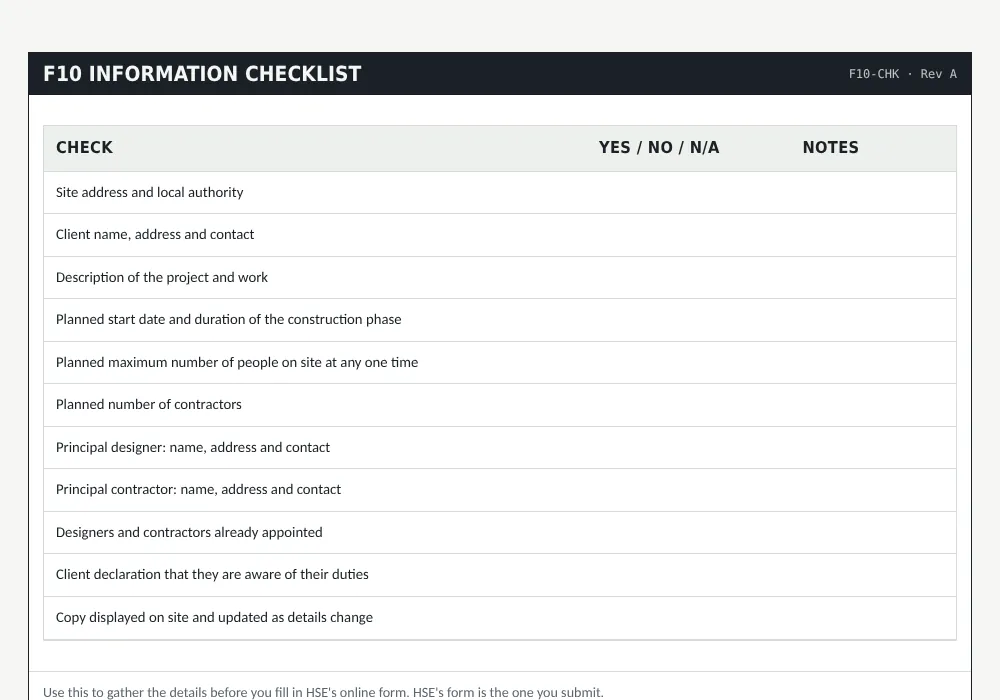
F10 information checklist
F10-CHK · Rev A| Check | Yes / No / N/A | Notes |
|---|---|---|
| Site address and local authority | ||
| Client name, address and contact | ||
| Description of the project and work | ||
| Planned start date and duration of the construction phase | ||
| Planned maximum number of people on site at any one time | ||
| Planned number of contractors | ||
| Principal designer: name, address and contact | ||
| Principal contractor: name, address and contact | ||
| Designers and contractors already appointed | ||
| Client declaration that they are aware of their duties | ||
| Copy displayed on site and updated as details change |
Common mistakes
- Counting calendar days instead of working days.
- Forgetting that the 500 person-days test is separate and can catch long, small-crew jobs.
- Submitting after work has started.
- Not updating the notice when the principal contractor or dates change.
How to submit an F10 form
- Check the project against the thresholds above, counting working days and person-days.
- Gather the information in the checklist: addresses, dates, numbers of workers and contractors, and the principal designer and principal contractor.
- Complete HSE's online F10 form. You receive an email copy once it's submitted.
- Print the notice and display it on site where workers can read it.
- If anything changes, such as the principal contractor or dates, update the notification.
Frequently asked questions
Is an F10 needed for domestic work?
Only if the project meets the thresholds. If it does, the contractor or principal contractor submits it because the domestic client's duties pass to them.
Is there a fee for submitting an F10?
HSE doesn't charge for an F10 notification.
Can I check if an F10 was submitted for a site?
The notice must be displayed on site. Beyond that, you'd need to ask the client or principal contractor, or HSE.
Sources
This guide is written from the legislation and HSE guidance below. Last checked 23 October 2026.